Export Users
You can export your users to a CSV file to use in a spreadsheet or another system. The export includes everyone currently shown on the Users page, so you can filter the list first to export just the people you need.
Export your users
- Navigate to the Users menu.
- Optionally, filter the list to the people you want to export. For example, filter by Position, Status or a custom field. The export uses exactly the filters and search on screen. Learn how to filter the Users page
- Click Export next to the Users heading.
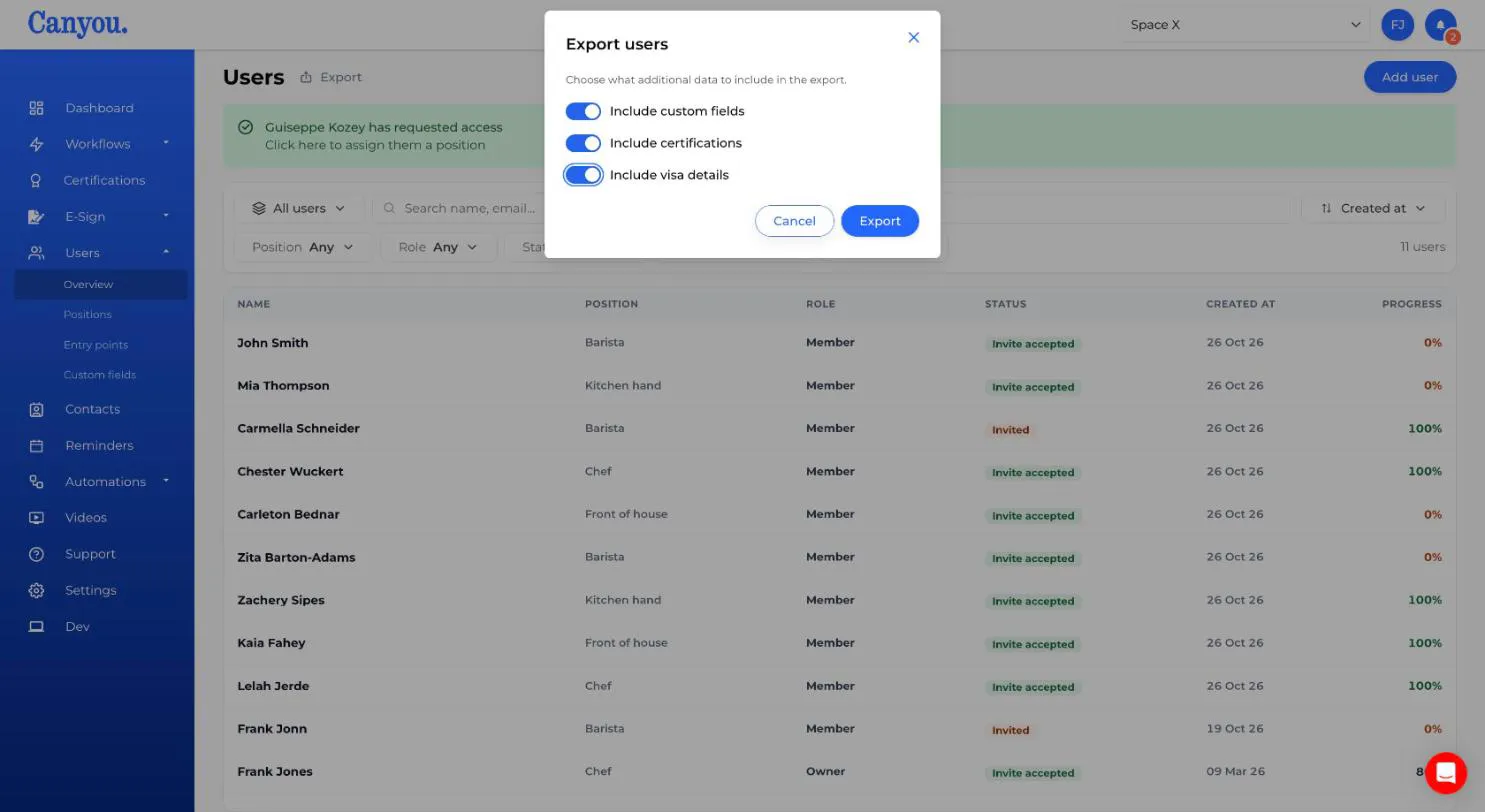
- Choose what extra data to include:
- Include custom fields
- Include certifications
- Include visa details
- Click Export.
The file downloads automatically in your browser once it's ready. You don't need to wait on the page.
What's in the file
Every export includes one row per user with these columns:
- Name
- Position (users with more than one position have them separated by commas)
- Contact number
- Whether the user is archived
- When they were invited, and when they accepted or declined the invite
If you switch on extra data, the file also includes:
Custom fields - one column for each custom field. The column header is the field's Field ID (for example uniform_size), not its display name. Dates are shown as DD/MM/YYYY.
Certifications - a set of columns for each certification your users hold:
- [Certification name]/status
- [Certification name]/expiry date
- [Certification name]/[field name] for each field on the certification form
For example, a Driver Licence certification adds Driver Licence/status and Driver Licence/expiry date columns.
Visa details - the result of each user's most recent visa check:
- When the check was run
- Status and result
- Visa expiry date
- Visa type