From matched candidate to cleared to work.
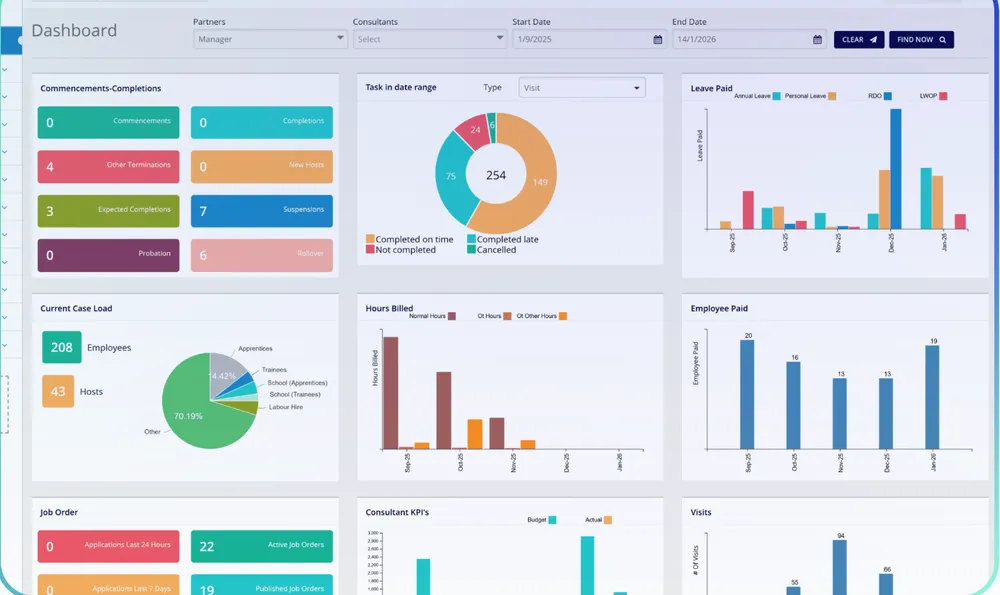
Workforce One runs your recruitment pipeline, payroll and placements. Canyou picks up every candidate once they’re matched, checks their work rights and licences, collects their forms and signatures, then syncs them back cleared to work.
Matched candidates flow straight into onboarding
Work rights and licences checked before the first shift
Cleared-to-work status synced back automatically

Integrations
Canyou collects. Your systems receive.
Your payroll, rostering and recruitment tools stay the source of truth. Canyou does the chasing and hands over validated data, so your team never has to log in to another app.
FROM THE WORKER'S PHONE
Collect
One link, any phone
Verify
ID, visa, licence validity
Monitor
Expiries & reminders
Validated once, pushed everywhere it's needed, with an audit trail kept.
INTO THE TOOLS YOU ALREADY RUN
 Syncs into Xero Payroll
 Syncs into MYOB Payroll
 Works alongside Deputy rostering
 Imports placements from JobAdderSends cleared-to-work status to Workforce One
 Brings staff in from Cloud Payroll
ON THE WAY

Setup
From matched candidate, to cleared to work.
Candidate matched
A placement marked in Workforce One sends the candidate’s details straight to Canyou.
Checked and onboarded
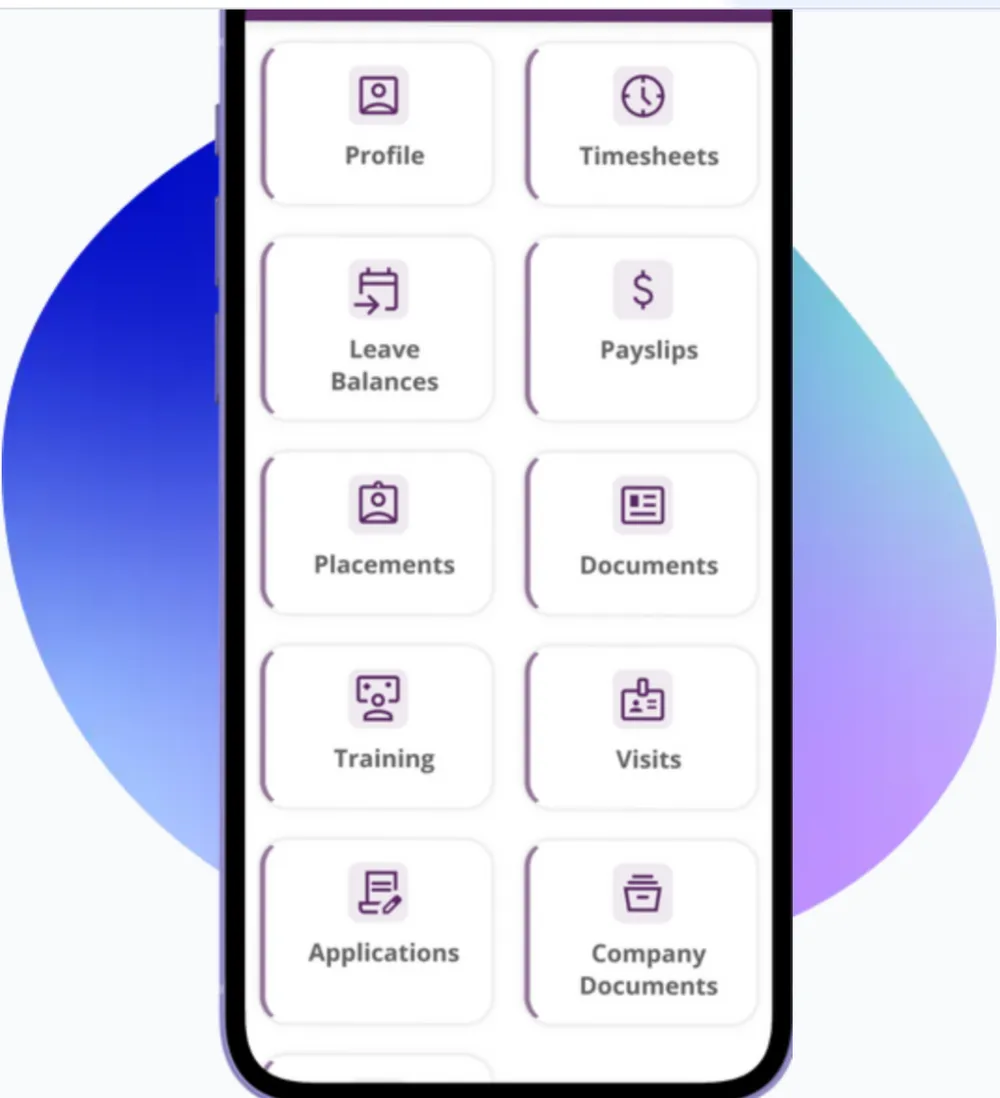
Canyou runs work-rights checks and collects licences, forms, signatures and the Fair Work Information Statement, all from one link.
Cleared to work
Once everything is verified, the candidate is cleared to work, with an audit-ready record kept.
Status flows back
Workforce One updates automatically, so your consultants know who’s ready to start without chasing anyone.
Candidates
Every placement arrives ready for onboarding
When a candidate is matched or placed in Workforce One, their details flow straight into Canyou, so nobody retypes a name, phone number or email. See how Canyou works for labour hire and recruitment.
No manual re-entry between systems
Matched candidates ready to onboard immediately
Visibility
Consultants see who’s cleared to work, without chasing
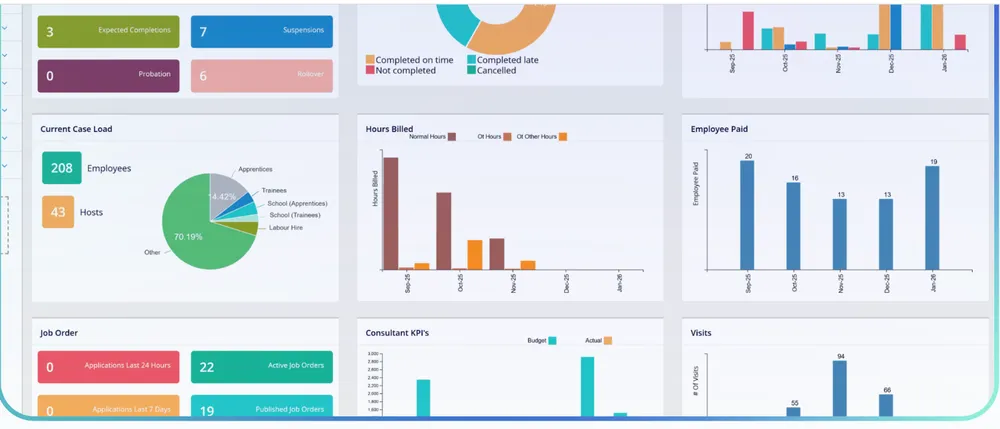
Cleared-to-work status flows back into Workforce One automatically, so your consultants always know who’s ready for their first shift. See how work-rights checks work.
Cleared-to-work status synced back automatically
One source of truth for consultants and clients
For Workforce One users
Workforce One runs recruitment, payroll and workforce management for labour hire agencies, recruitment firms and group training organisations. Canyou makes sure every candidate they place is cleared to work before their first shift.
- Applicant tracking, payroll, invoicing and workforce management in one platform
- Built for labour hire agencies, recruitment firms and group training organisations
- ISO 27001 certified, with payroll reviewed annually for Single Touch Payroll compliance
- Adelaide-based Australian support
Questions we get asked
Anything else, start a live chat or book a 30-minute call with our Australian team.
Book a 30-minute demo →What does the Workforce One integration do?
When a candidate is matched or placed in Workforce One, their details flow into Canyou for onboarding. Canyou checks work rights, tracks licences, and collects forms and signatures, then syncs cleared-to-work status back to Workforce One.
Does Canyou replace Workforce One’s recruitment or payroll features?
No. Workforce One stays the system for recruitment, payroll and invoicing. Canyou sits alongside it, handling onboarding and compliance for every placement.
What data syncs between Canyou and Workforce One?
Candidate details needed to start onboarding sync into Canyou, and cleared-to-work status syncs back into Workforce One once checks are complete. Canyou doesn’t touch payroll, invoicing or rostering data.
Which businesses is this built for?
Labour hire agencies, recruitment firms and group training organisations already using Workforce One to manage placements.
Does the worker need to download an app?
No. They complete onboarding from a link sent by SMS or email, in their phone’s browser.
How do work-rights checks work?
Your team runs a visa check from the worker’s record in Canyou. It checks with the Department of Home Affairs through VEVO, keeps the result on file, and reminds you before a visa expires.
Clear every placement to work before the first shift
Work rights checked with Home Affairs, licences tracked to expiry and payroll details collected, at about 15 minutes per worker.
No credit card required · Cancel any time · Australian support 🇦🇺