Assigning Certifications to an Employee 🧑🍳👨🏾💼👷♀️
In this example we will assign a Certification as a requirement to a specific Employee.
Make sure you have created Certifications before you begin this step. You can learn how to do that here.
Let's assign a Certification
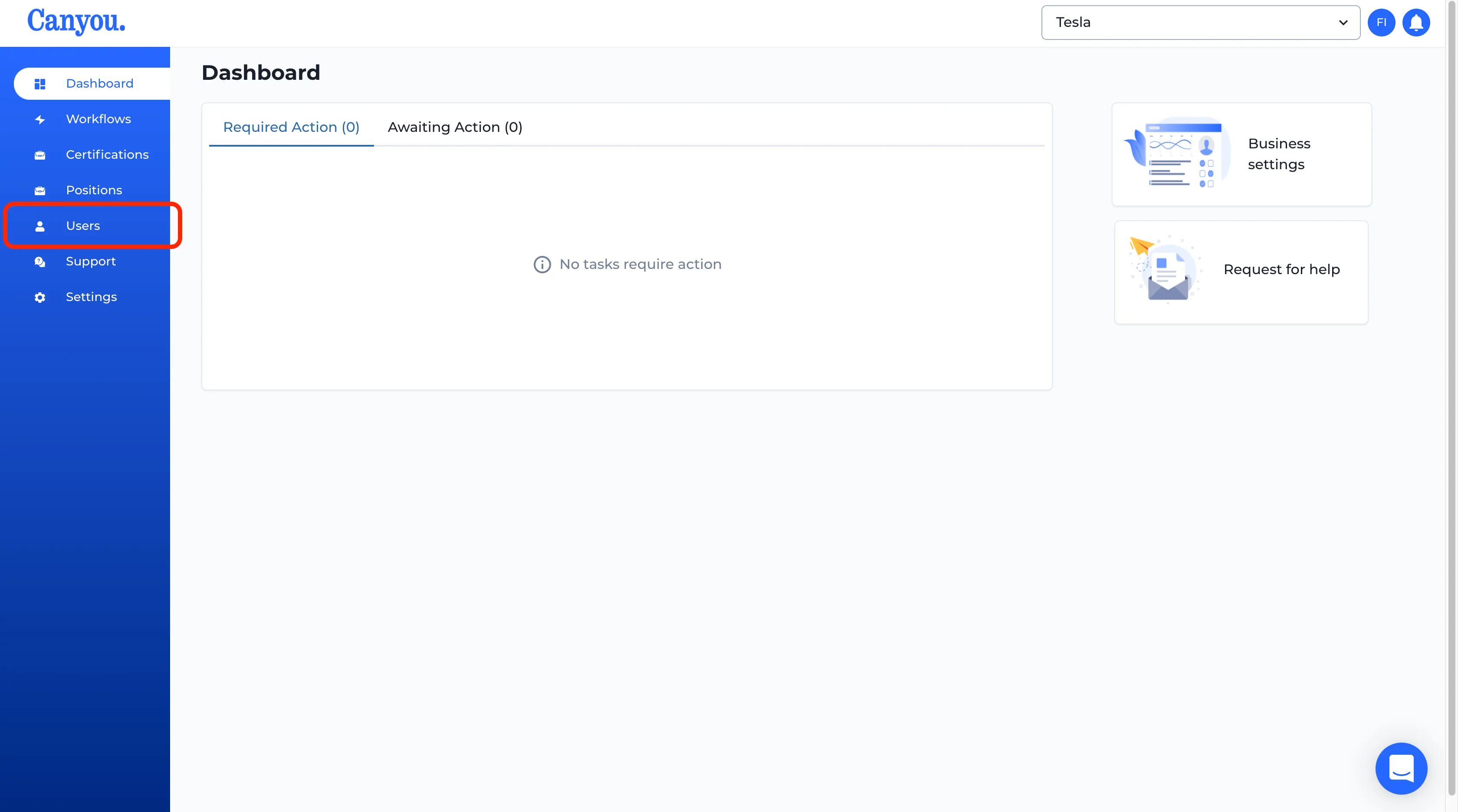
- Navigate to the Users menu.
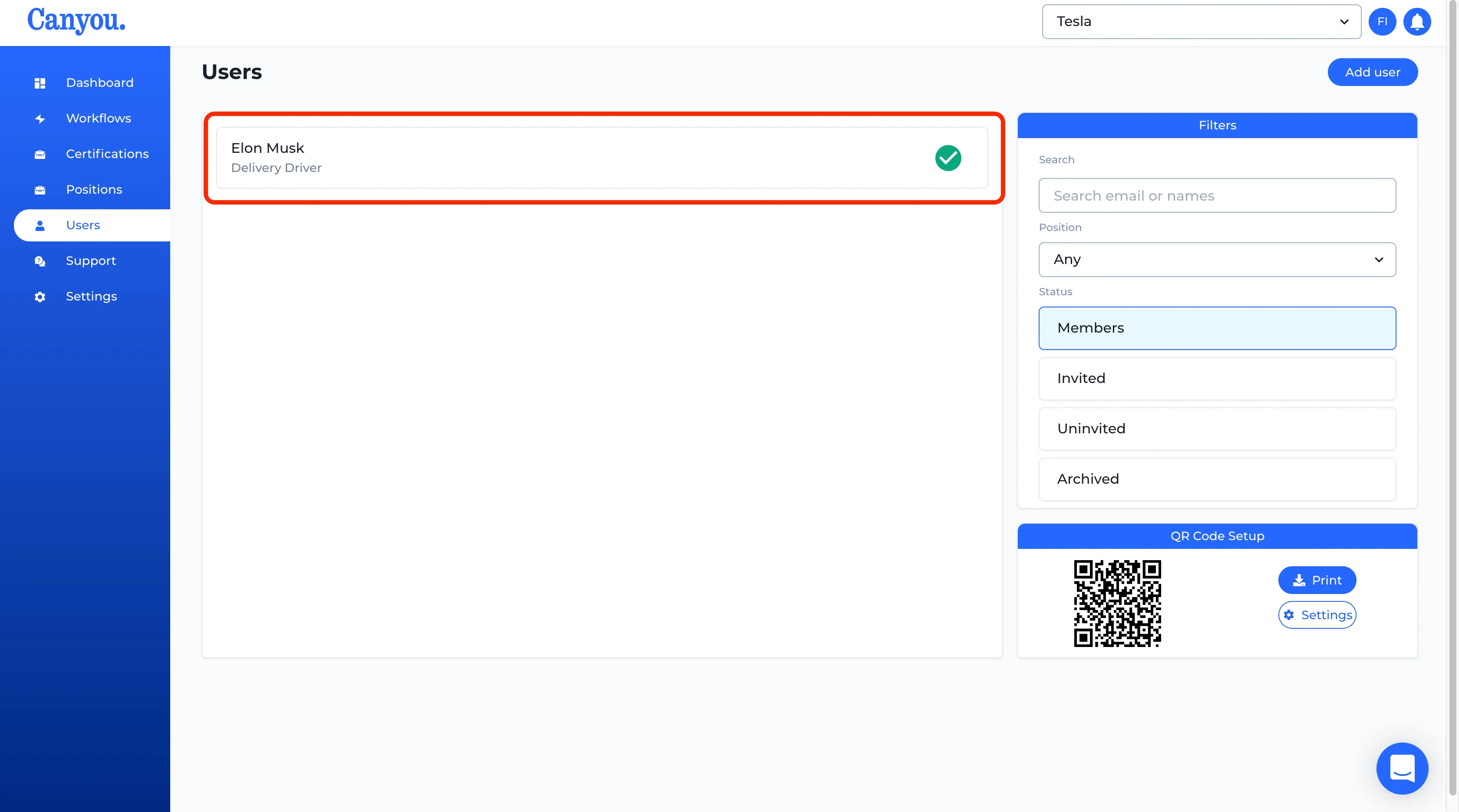
- Select the user you would like to assign a Certification to.
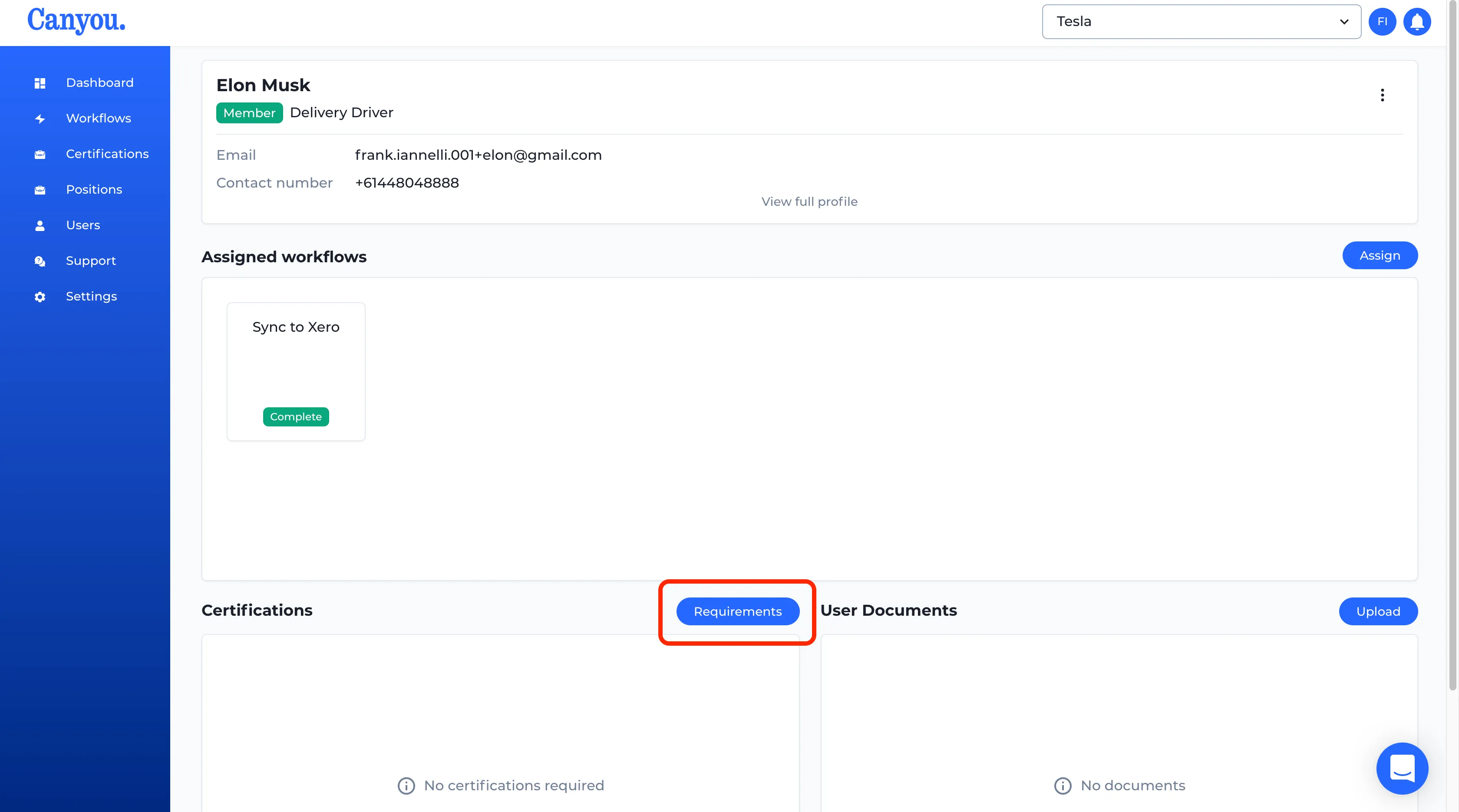
- Click the "Requirements" button in the Certifications section.
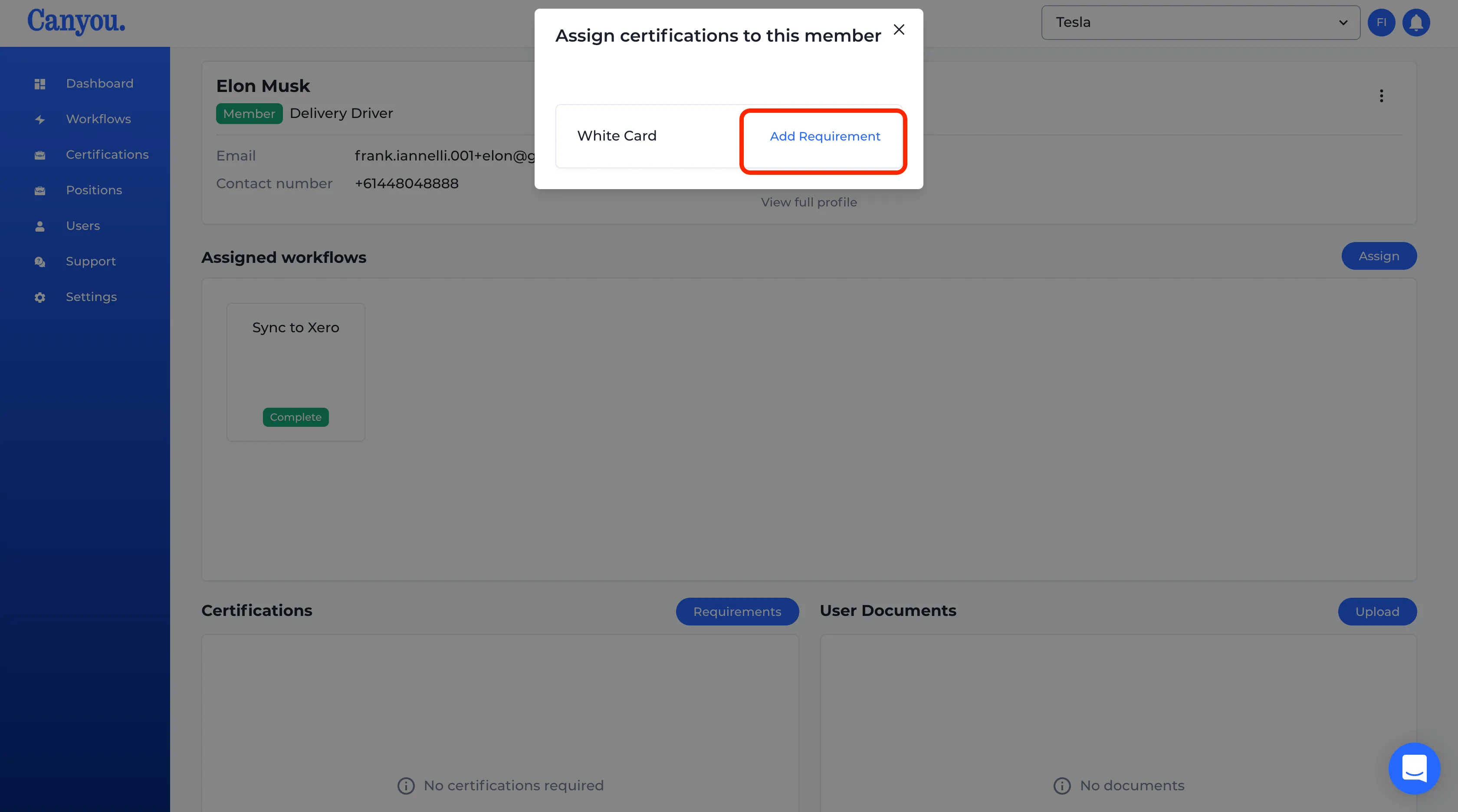
- Click "Add Requirement" for the Certification you would like to add as a requirement.
- We can now see the Certification has been added as a requirement.
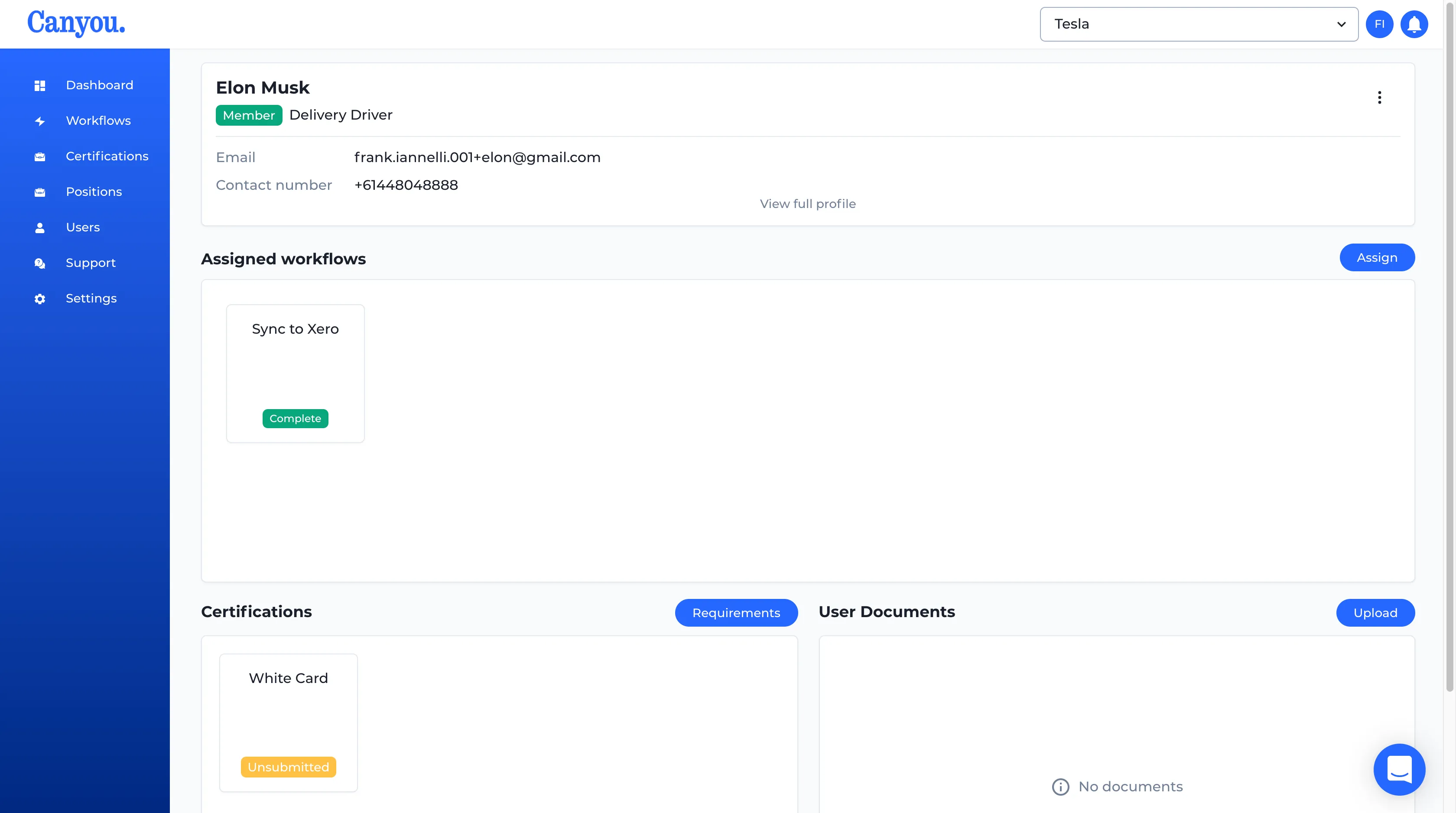
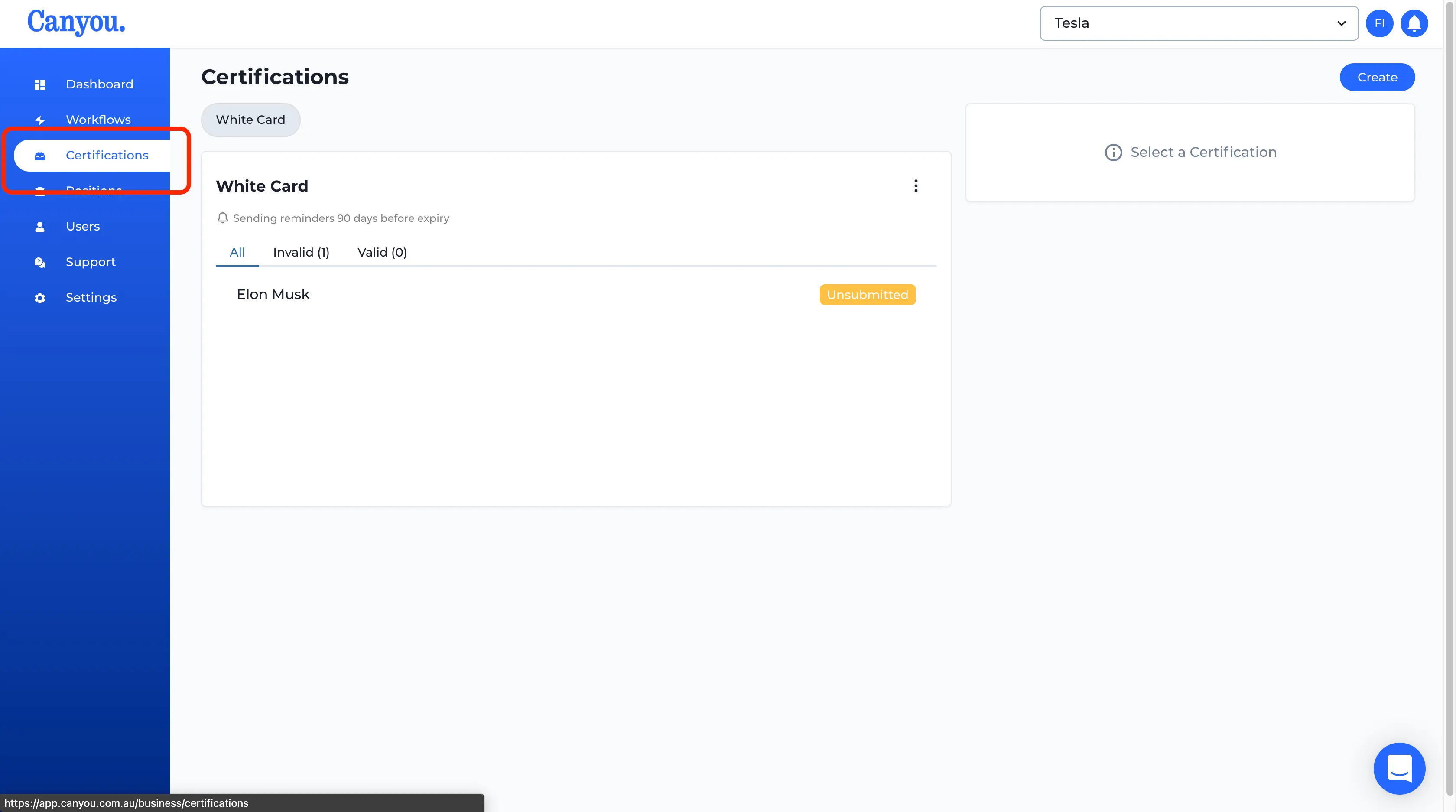
- If we navigate to the Certifications menu we can see that the User now has a requirement for that Certification.
Great Job you have assigned your Certification
After an employee uploads their Certifications they will need to be approved.
NextLearn how to approve Certifications